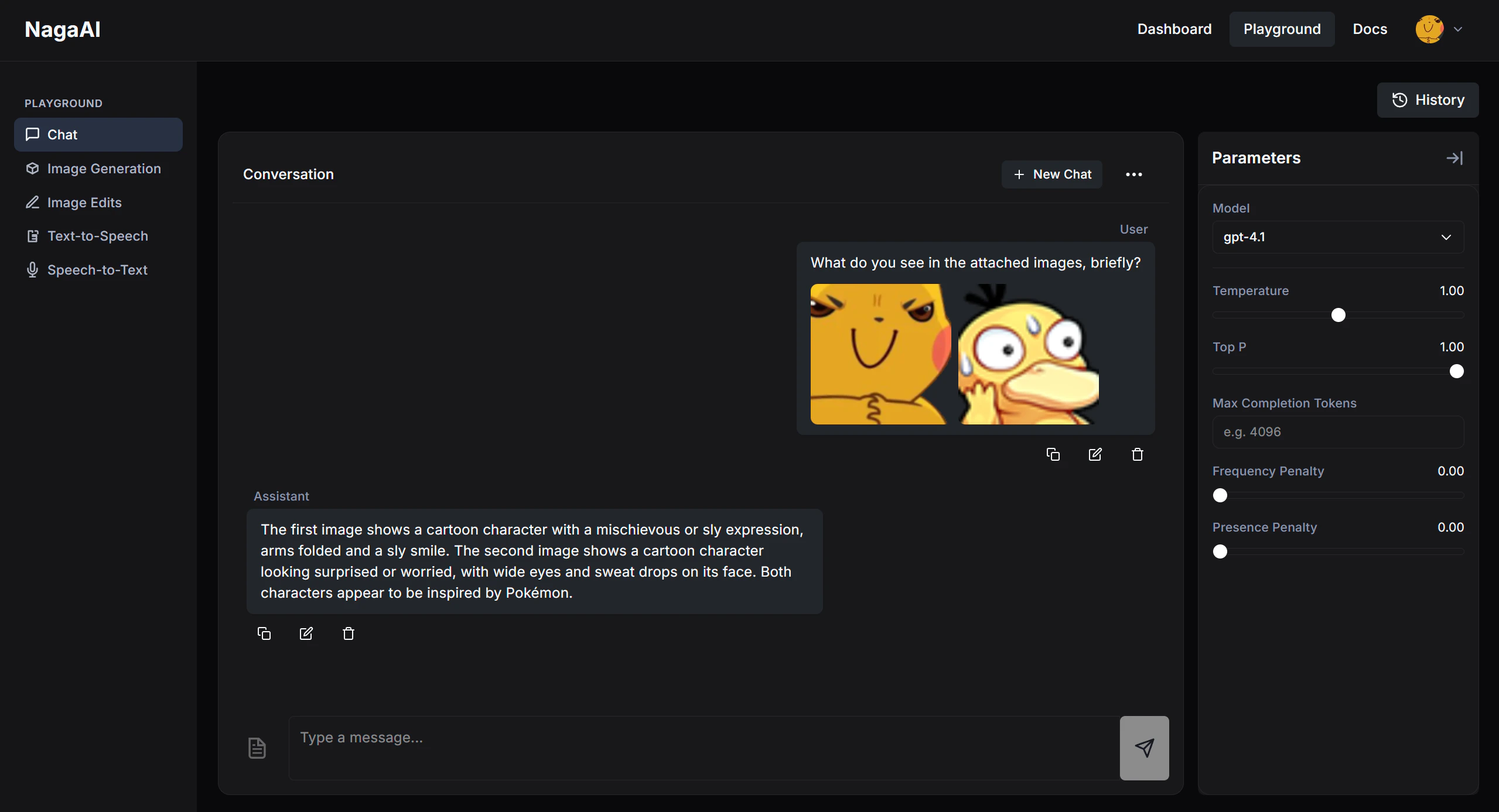
What it is good for
- comparing model behavior side by side
- testing prompts before moving them into your app
- exploring image and audio workflows without writing requests manually
- checking outputs quickly before you commit to an integration
Open the Playground
- Go to https://naga.ac/playground.
- Pick a model or feature tab.
- Run a few test inputs and compare the results.
What you can test
- Chat
- Image Generation
- Text-To-Speech
Use this view to try prompts, compare models, and inspect text responses before you wire the same behavior into the API.

After testing in the Playground
- For production integrations, move to Quickstart or the API Reference.
- To choose the best API surface, read Choose an API.
- To compare live model options, read Models.